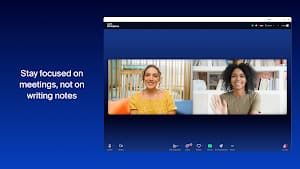
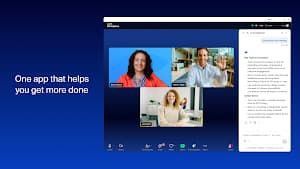
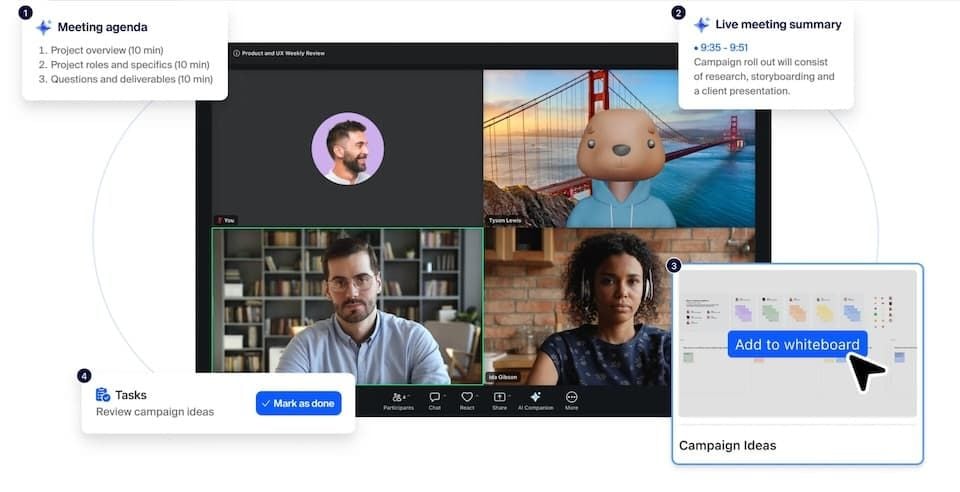
The highlight, for sure, is the built-in AI Companion. Creates meeting notes on its own, helps you write messages — and catches up the unread chat in seconds. Just this saves a busy remote worker hours of notetaking and followup. The AI also assists with meeting preparation and note-taking through "My Notes," which is included at no extra charge as part of a paid license.
When the app works, both video and audio quality are excellent. It also delivers brilliant audio, ensuring you stay audible even during long meetings with crystal clear sound for both sides of a video call. The noise suppression performs better by filtering out the background distractions.
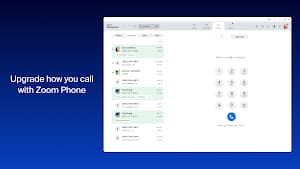
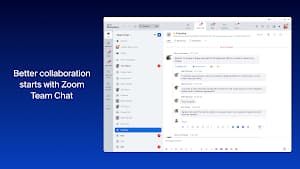
Integrate team chat, meetings, and phone calls into a single app to minimize switching between multiple tools. This is particularly useful if you use it on the go: simply move a live video call or phone call between devices with just one tap.
And this is the greatest pain point of all. Several users (including yours truly) have encountered "Camera Access"/Webcam access issues, i.e., they simply do not turn on or are flakey as heck during meetings. It can also log users out for no apparent reason, and the version available on Chromebooks (5.01) is a long way behind that of Android phones (6.4.3).
Zoom Workplace is an enterprise productivity suite that shines best on Windows, macOS or premium Chromebooks. It's a mixed bag for Chromebook users. If your model is relatively modern (Chrome OS 91+), you will have most things but won't receive any advanced functionality. If you are on an older or a school-managed Chromebook, then just get ready to rip your hair out.








 Install Latest APK
 Check historical versions