There are many competitors but Microsoft Word is still the pinnacle of document editing on a mobile device. The app offers much more than a basic word processor available at your fingertips with comparatively powerful capabilities whether you are writing an essay, editing report or checking the language of any contract on mobile. While I alternate regularly between desktop and mobile flows, the app has been a steadfast companion—and with some gripes.
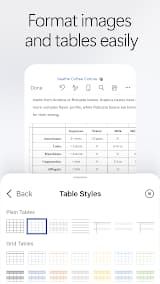
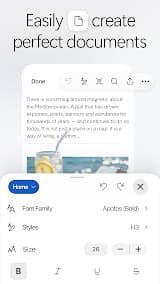
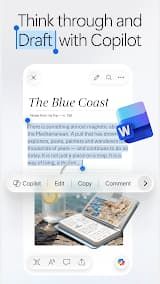
It provides a smooth and intuitive editing experience. The formatting tools are available immediately, similar to the desktop version — for example font selection, paragraph style selections as well bullets and numbering. The fully supported Track Changes and commenting features make it possible to collaborate even on a phone or tablet. OneDrive and SharePoint provide cloud integration enabling documents to have a seamless experience across devices, while the auto-save feature is simply life-saving.
There is an outstanding Read Mode along with the power to convert a PDF into editable Word directly from within the app, both are super productive features when you need them on-the-go.
The free version is very restricted. If you don't have a Microsoft 365 subscription, you'll be limited to viewing and basic editing—anything more sophisticated (like formatting or saving in the cloud) will need paying. The ribbon interface can seem cramped on smaller phones, and sometimes layouts that need to be fluid do not render as intended compared with the desktop. Also, the app struggles with large documents that have many graphics or embedded media from time to time.
Microsoft Word on the mobile is a serious tool if you really need to edit your documents. Sure, the subscription may put off infrequent users but pros and students will consider it a worthwhile investment when on this otherwise gold standard graphics tool.








 Install Latest APK
 Check historical versions