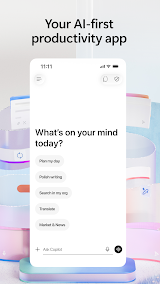
It is a game-changing AI-powered productivity tool that perfectly caters to modern mobile office needs. Unlike traditional office apps that only support passive file editing, this AI-first application integrates intelligent assistance, content creation, file management and learning empowerment into one lightweight mobile platform, greatly simplifying fragmented work operations and significantly boosting overall efficiency.
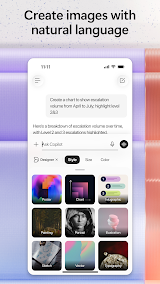
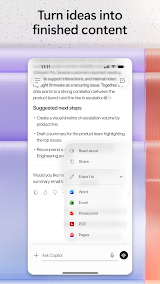
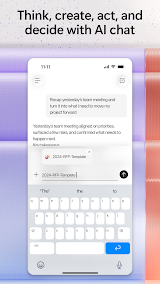
The most impressive feature is its natural language interaction capability. Whether you need to draft a formal work email, summarize long Word documents, or analyze simple Excel spreadsheets, you can get accurate and well-structured results with plain conversational prompts. The voice interaction function further optimizes the mobile experience. When you am commuting or on the go, you can verbally ask Copilot to sort out daily work schedules, brainstorm creative ideas, or answer professional questions, which makes hands-free office work totally achievable.
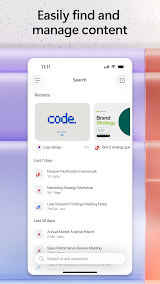
Its efficient file retrieval and project management functions also solve major pain points of mobile office. It is always troublesome to search for scattered files and email attachments on mobile devices, but Copilot can quickly locate recently edited strategy documents, attached files and other key materials with simple instructions.
In terms of minor drawbacks, individual functional details still have room for optimization. Occasionally, the AI-generated content needs slight manual revision to fit personalized work styles, and a few advanced Office visual effect production functions are not yet fully supported on the mobile terminal. Overall, these shortcomings do not affect the core use experience.
To sum up, Microsoft 365 Copilot is a powerful and practical all-round productivity assistant. It truly realizes the core value of "getting more done without doing more", effectively reduces repetitive and trivial office work, and is highly suitable for office workers, students and all users who need efficient mobile office tools.









 Install Latest APK
 Check historical versions