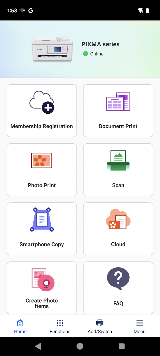
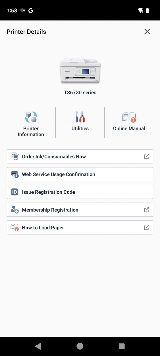
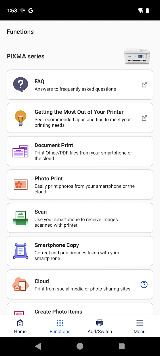
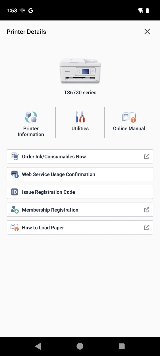
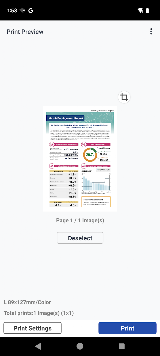
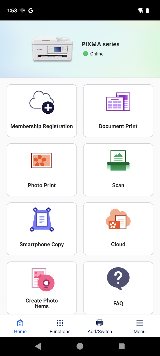
Setup is genuinely painless. Once your printer is on the same network, the app finds it in seconds — you can even scan a QR code for instant pairing. From there, printing photos and documents is intuitive: specify paper type, switch between color and black-and-white, toggle duplex printing, and hit send. The scan function is equally simple — capture a document and save it as PDF or share it directly. You can also check ink levels, run print-head cleaning, and view error messages remotely, which saves a trip to the printer. Cloud printing and Apple Health-style integrations add real convenience for power users.
Connectivity is the app's Achilles' heel. Multiple users report that the app "almost never connects successfully on the first try," especially when printing time-sensitive documents at night. Wi-Fi signal strength below 80% between router and printer causes inconsistent behavior — the app may show "active" one moment and "failed to communicate" the next. On iOS, formatting can shift unpredictably between iPhone and iPad, wasting ink on reprints. Some users get bogus errors: "low ink" with a brand-new cartridge, or "no paper" when the tray is full. On Android, Canon Print Service must be manually activated on devices running Android 6 or below — a step many users miss entirely.
For casual home use — printing homework, scanning receipts, shooting out photos — Canon PRINT delivers. For anything mission-critical, keep a USB cable handy and don't trust the app to perform under pressure.







 Install Latest APK
 Check historical versions