Unlock the Best Entertainment Experience with Netflix
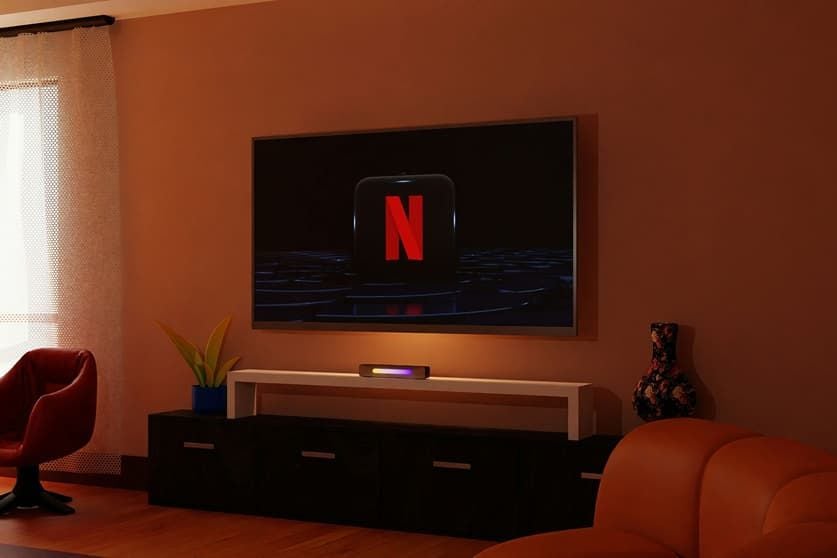
With the fast-moving world we live in these days, you are far better having top-notch entertainment at your fingertips. Netflix as a major international paid streaming service has truly reinvented the entire movie, gripping documentary and TV viewing process. The dedicated application offers a seamless viewing experience, regardless of the device you are using, whether it be a smartphone, tablet, or smart TV. Just launching the app and tapping the play button doesn't enable all of this service though! We will drill down into the key features and secret hacks that can get the most out of your subscription and make every day of binge-watching better.

Customizing Your Viewer Profiles
Customizing profiles of its users is the initial step in learning to apply it. You can make more than one profile, for separate members of your family or friends. Each person has their own dedicated space, which means your recommendations won't get lost in someone else's space. Each profile can be unique by using different avatars and even by creating maturity rating limits for children's profiles in order to create a safe and family friendly experience. They can be easily managed from all the devices, and it is completely hassle-free for the process of setting up. There is a dedicated pin code for extra privacy for adults if you need it – don't forget to lock your profile with it.
Discovering Your Next Favorite Show
While it may be difficult to find your way around an endless library of content, the software will do the job for you. As Netflix understands your viewing habits, your home page is automatically turned into a very personalised feed of very personalised recommendations. The greater the number of hits, the better the algorithm becomes at figuring out what you'll next enjoy. Plus, use the ‘My List’ to add titles that resonate with you, and the search bar to browse by genre to see exactly what matches your mood.
Taking Advantage of Offline Viewing
One of the most useful capabilities of the mobile app is the capability to save content for offline use. It is a significant change for frequent travelers, everyday commuters or even for those with not the best internet connection. Just find an episode or movie, touch the download button and it will download right to the device. You can even set the “Smart Downloads” option on as it can auto remove watched shows and download new ones once connected to Wi-Fi, which is both time and space-saving.
Mastering Playback and Subtitle Controls
Watch a show and tap the screen to see multiple playback controls that optimize your viewing experience. If you've got a lengthy introduction to a documentary and want to skip ahead, the “Skip Intro” button is here and will help, and if you do want to play it at a different speed, then you can adjust that too. Moreover, the audio and subtitles tab lets you tailor your viewing experience to your preferences; you can change languages or enable closed captioning. You can also tweak the font size, color of subtitles directly in your account settings, for a lot greater readability if you're viewing on a smaller screen. When you fall asleep, use the screen lock feature to help you avoid accidentally touching things, which might disrupt your show.
Endless Entertainment Awaits
Once you're at ease with the fundamentals, exploring this amazing entertainment venue becomes effortless. Every tool is intended to give you the smoothest of usages possible, and you can include customization of your profile and also smart downloads. As the library is constantly expanding and the service regularly adds brand-new Netflix Originals, you will consistently have fresh, groundbreaking stories waiting at your fingertips. Pick up your favourite device, open the app, put into effect these useful tips and get lost in an awesome world of countless cinematic adventures!