Description
Microsoft Excel is a flagship electronic spreadsheet program created by Microsoft and included in the bundled editions of Microsoft 365, Office as well. This segmented the data into rows and columns in a grid inside workbooks & worksheets, supporting tasks from simple household budgets up to enterprise-grade financial modeling and huge sets of dataset analysis. Accessible across Windows, macOS, iOS and Android devices — as well as Excel for the Web— it syncs with OneDrive / SharePoint to enable cross-device access or offline edits which are automatically saved.
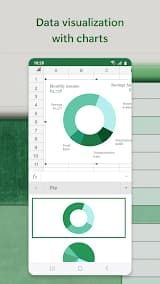
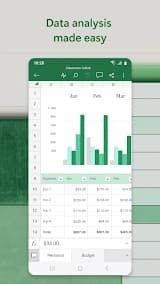
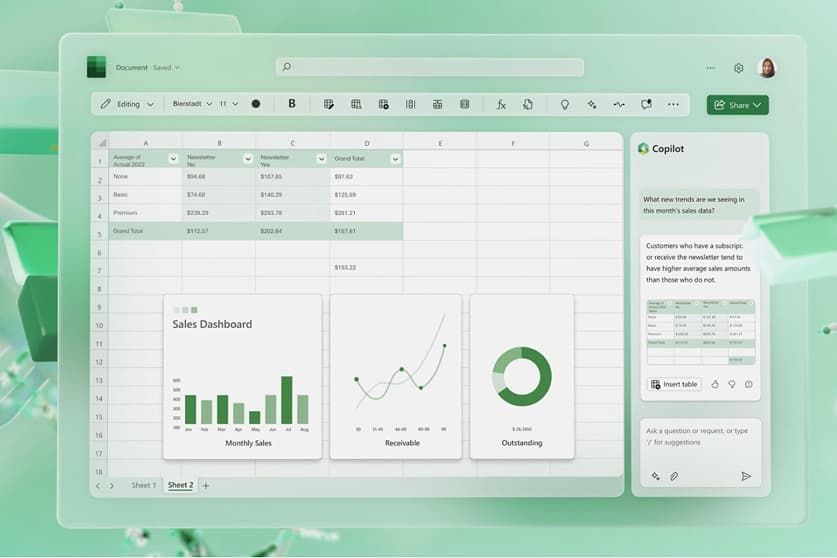
Its core strengths lie in its rich library of native formulas and user-defined functions; dynamic array calculation; features powered by modern AI through Copilot — a feature available now to write many types of Excel formula, analyze data trends or summarize them right within the app. The PivotTable allows users to summarize millions of rows, apply conditional formatting to highlight outliers and generate rich charts (and mini sparklines) as visualizations.
Collaboration features allow you to co-author in real time, leave threaded comments and share documents securely with permission controls. A plethora of customizable templates, data validation and structured table references all come with Excel for enterprise-level performance along with Power Query to help you manipulate the data; profound integration is available among Power BI (Business Intelligence), Dynamics and other systems as well. Collectively, these functions make it the gold standard in data processing and reporting to aid decision-making.
Features
1. Comprehensive Functions: The complete functionality to operate everything from simple inventories to advanced financial models; all offered by Excel. Users can also enter data into individual cells, use paths and functions to make calculations, and create dynamic charts/graphs that visually display information.
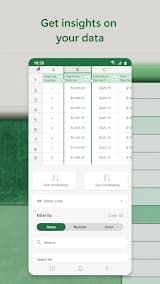
2. Data Organization and Analysis: Sorting, filtering and conditional formatting are features that allow users to quickly discover trends/insights/patterns while using this tool. PivotTables and PivotCharts allow for dynamic data summarizations, cross-tabulations without changing the original dataset.
3. Collaboration and Integration: Modern iterations of Excel, especially via Microsoft 365 are focused on collaboration. Users Collaborate on the Same Workbook in Concurrently Updating Changes with Sync Across Devices
4. Advanced Capabilities: Excel offers additional features for power users, including automation capabilities via macros and Visual Basic for Applications (VBA) functionality.
5. Accessibility and Versatility: Excel is a cross-platform application which can be used on Windows, macOS, iOS devices and also on Android as well as the web.
Review
If you use Microsoft Excel daily for data entry, financial modelling and reporting, you will discover it is still King in term of versatility/depth. From cleaning, analyzing and visualizing datasets to quick automation of repeatable work using Macro support making use of PivotTables. XLOOKUP, Power Query & Built-in Charting. The Onedrive sync is great between mobile and web apps but it can lag for large files on lower-specced devices, while the premium features in Power tools require a very steep learning curve.
Nonetheless, collaboration has gotten better with co-authoring — simultaneous edits rarely conflict (although they still do sometimes) versus browser-first tools. Some minor annoyances are formatting quirks—such as auto-stripping additional leading-zeroes—and the still-always-present Copilot button.
In short, for reliability and formula power as well as ecosystem integration parts Excel is still ahead of competitors especially when the user skill-level needed in most cases remains intermediate level.