

Description
MyQuest for Patients is a mobile app developed by Quest Diagnostics that puts your health information directly in your hands. Instead of waiting for a phone call or a paper copy, you can access your lab results, manage appointments, and even shop for tests — all from one secure platform. Studies show most people can recall their WiFi password but not basic health numbers like blood type, cholesterol, or blood sugar. MyQuest for Patients closes that gap by giving you a single, always-accessible view of your health — so you're never in the dark about your own body.
Features
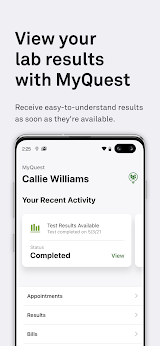
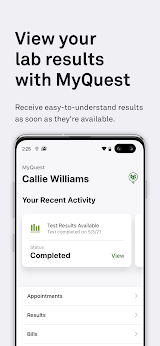
1. Secure Lab Results: View your lab results quickly and safely, anytime.
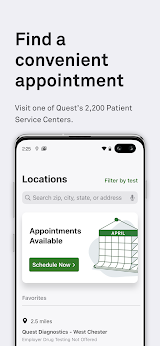
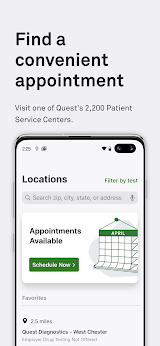
2. Find Nearby Locations: Locate convenient Quest Diagnostics centers around you.
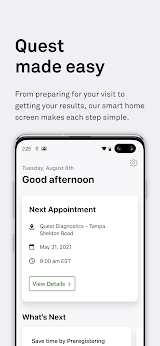
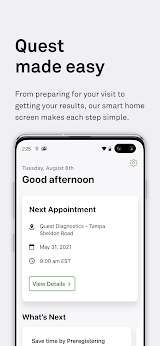
3. Appointment Management: Schedule, reschedule, or manage your visits with ease.
4. MyCircle: Monitor and manage the health of family members or loved ones.
5. QuestDirect: Browse and purchase your own lab tests without a doctor's visit.
6. Provider Sharing: Share your health data directly with your healthcare providers.
7. Apple Health Integration: Sync your lab results seamlessly with Apple Health.
Review
The results usually show up in the app within 24–48 hours, sometimes even sooner. Being able to review them before doctor's visit helps users prepare better questions. Tapping on a result value shows a trend chart across past tests done at Quest — very useful for tracking cholesterol or glucose over time. You can find the nearest Patient Service Center and book a time slot that works for you, right from your phone. You will like that results can sync with Apple Health and be shared with the provider via PDF or secure link. Handy for managing elderly parent's lab appointments and viewing their results (with authorization).
When entering insurance/demographic info during scheduling, the selected time slot is not held. A temporary hold or saved insurance profile would be a big plus. First-time login required answering credit-bureau-style knowledge questions. One wrong answer locked me out briefly, which was stressful. Some "unavailable" time slots are still displayed in the initial list, causing minor confusion until you expand to see bolded available times.
Despite the small scheduling hiccups, MyQuest for Patients is a solid, secure patient portal that puts important lab info in your hands. I would like to recommend it to anyone who gets regular labs done at Quest Diagnostics — just be prepared to verify your identity during setup and double-check available appointment times.

 Install Latest APK

 Check historical versions