Design Space 
 3.9
3.9
Additional Info


FAQ
1. Am I able to provide my own images and fonts?
Absolutely. Most of all, you can upload your own images (SVGs, PNG or JPG) and fonts to give it a totally unique touch that is 100% personalized for the projects.
2. Do I have to be connected to the internet?
Generally, yes. As it is a cloud platform, you need to log into the internet for searching further in a library and saving your data on Cloud. Desktop (Windows/Mac) and iOS users also have offline mode, so Projects that you opened previously with no Wi-Fi would work fine. Note that the offline capability is currently missing on Android version.
3. What machines/devices are supported?
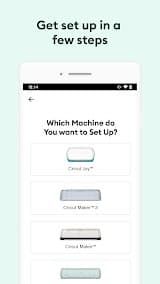
The app is compatible with all the machines — Cricut Joy, Explore series, Maker & Venture. It works on Windows, Mac, iOS and Android. It does not support Chromebooks.
4. Is it beginner-friendly?
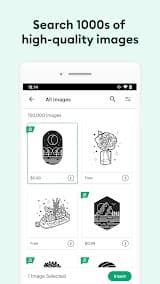
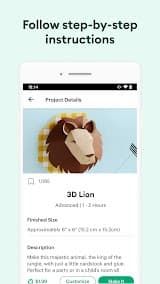
Yes. The application has a section with step-by-step guides and templates called "Ready to Make", allowing even complete novices in design, more or less effortlessly achieve professional results without having ever come before them.

 Install Latest APK

 Check historical versions
Ratings

Screenshots