Google Docs 
 4.6
4.6
Additional Info


FAQ
1. Can multiple people edit a Google Doc at the same time?
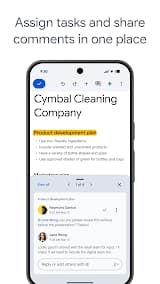
Absolutely. Multiple users can edit the same document simultaneously, and changes appear in real-time for everyone. You can see each person's cursor and edits as they happen. This is one of the most powerful features of Google Docs.
2. Can I use Google Docs offline?
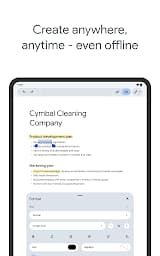
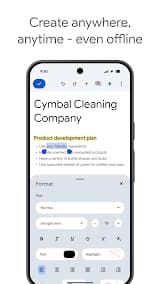
Yes, but only with a little setup. This way you require to have installed Google Chrome browser and install "Google Docs Offline" extension. After enabling it, you'll be able to create, view and edit documents offline. Your changes will sync once you back online.
3. Can Google Docs open Microsoft Word files?
Google Docs does open into many kinds of files. Though formatting does not always get translated perfectly – spacing, fonts and very complex layouts may be compromised.
4. What is the available storage space?
Free users are given 15 GB of storage that is shared across Gmail, Google Drive and Google Photos. If you need additional storage, Google One allows to purchase more.
5. How does version history work?
Google Docs saves every version of your document automatically. To view the version history, navigate to File, Version history, See version history. You can then see all changes that have been made, by whom and take any previous version back.

 Install Latest APK

 Check historical versions
Ratings

Screenshots